


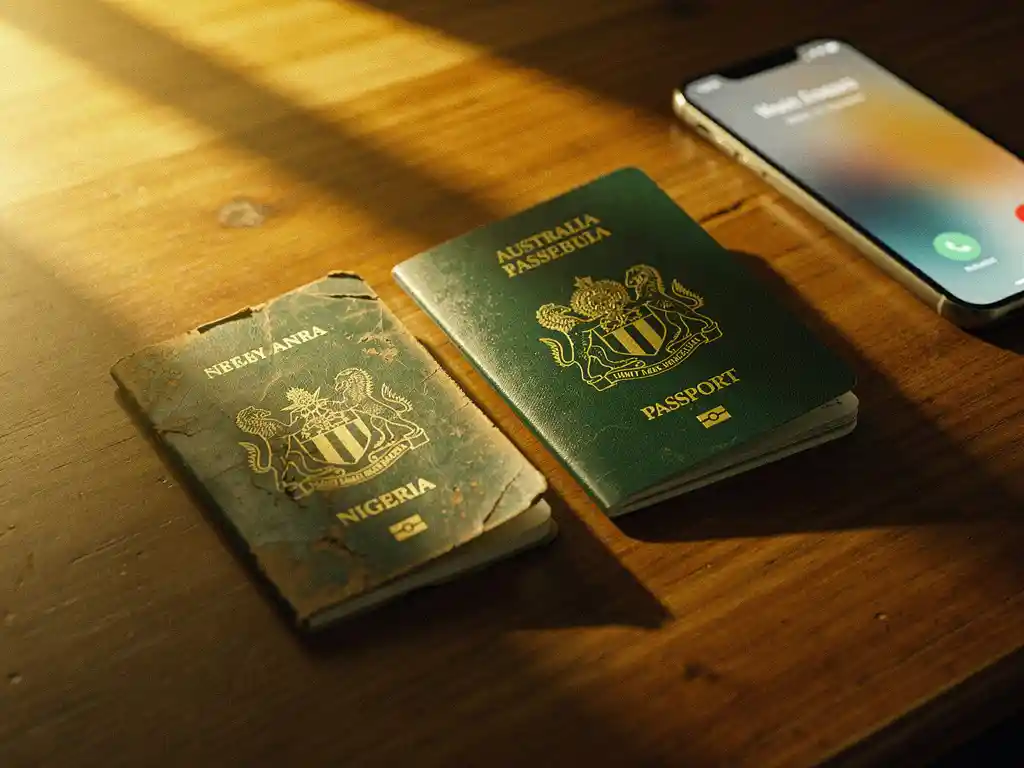
The cheapest way to call Nigeria from Australia in 2026 is through a VoIP calling app that uses your internet connection instead of a traditional phone network. Apps like these can cost a fraction of what standard international calling plans charge, giving you significantly more minutes for your money. Below, we answer the most common questions people have before making the switch.
What’s the cheapest way to call Nigeria from Australia right now?
VoIP calling apps are the most affordable option for calling Nigeria from Australia in 2026. Instead of routing your call through expensive international phone networks, these apps send your voice over the internet, which dramatically lowers the cost per minute. Depending on the app you use, you can get many more minutes for the same amount of money compared to traditional carriers or roaming plans.
When comparing options, pay close attention to:
- Cost per minute — some apps charge per second, which means you only pay for what you actually use
- Connection fees — some providers add a flat charge every time you dial, which adds up fast
- Call quality — cheap rates mean nothing if the line keeps dropping
- Language support — if English is not your first language, using an app in your native language makes a real difference
For those calling Nigeria regularly, a per-second billing model without connection charges is usually the most cost-effective structure. It ensures you are not paying for silence, hold time, or the seconds it takes for the call to connect.
How do VoIP calling apps work for international calls?
VoIP stands for Voice over Internet Protocol. Instead of using a traditional phone line, a VoIP app converts your voice into data and sends it over the internet to reach the person you are calling. This is why international calls made through VoIP apps are so much cheaper than calls made through a mobile carrier’s international plan.
Here is how a typical VoIP call to Nigeria from Australia works, step by step:
- You open the calling app on your phone and dial the Nigerian number
- The app connects to the internet (via Wi-Fi or mobile data) and routes your call
- The call reaches the recipient’s phone as a regular incoming call
- You speak in real time, just like any other phone call
- When the call ends, you are charged only for the duration of the call, often per second
The key advantage is that the heavy lifting happens over the internet, which costs far less than international telephone infrastructure. The result is more minutes for your money, without sacrificing call quality when your connection is stable.
Do you need Wi-Fi to make cheap calls to Nigeria?
No, you do not need Wi-Fi specifically. VoIP calling apps work over any internet connection, including mobile data (4G or 5G). Wi-Fi is often preferred because it tends to be more stable and does not eat into your mobile data allowance, but a strong 4G connection can deliver equally clear calls.
If you are calling from home, connecting to Wi-Fi is the most practical choice. If you are on the go in Australia, a 4G or 5G mobile data connection works well in most urban areas. The most important factor is the strength and stability of your connection, not whether it comes from Wi-Fi or a mobile network.
For the best experience when you call Nigeria from Australia, aim for a stable connection with at least a few bars of signal before dialing. Weak or fluctuating connections are the main cause of dropped calls and poor audio.
Does the person in Nigeria need an app to receive the call?
No. With most modern VoIP calling apps, the person in Nigeria does not need to download anything or have an internet connection. The call reaches them as a standard incoming phone call on their regular mobile or landline number. This is one of the biggest practical advantages of using a VoIP app for international calls.
This matters a great deal when calling family members who may not be tech-savvy, live in areas with limited internet access, or simply use a basic mobile phone. You handle everything on your end, and they just pick up the phone as they normally would.
What affects call quality when calling Nigeria from Australia?
Call quality on VoIP calls to Nigeria depends on several factors, most of which are within your control. The most common causes of poor audio are a weak internet connection on your end, network congestion, or infrastructure limitations on the Nigerian end of the call.
The main factors that influence call quality include:
- Your internet speed and stability — a consistent connection matters more than raw speed
- Network congestion — peak usage hours can slow down data routing
- The calling app’s infrastructure — providers with strong server networks in Africa tend to deliver better quality on calls to Nigerian numbers
- The recipient’s local network — mobile network quality varies across regions in Nigeria
- Your device — a working microphone and updated app version make a noticeable difference
Choosing an app that has been built specifically for calls to African destinations, rather than a general-purpose calling tool, often results in better and more consistent quality.
Are there hidden fees to watch out for with international calling apps?
Yes, hidden fees are common in the international calling industry and can significantly increase what you actually pay per call. The most frequent ones to watch for are connection fees charged at the start of every call, inactivity fees that drain your balance if you do not use the app regularly, and rounding practices that charge you for a full minute even if your call lasts only a few seconds.
Before committing to any app, check for:
- Connection charges — a flat fee added every time you dial, regardless of call length
- Per-minute vs. per-second billing — per-second billing is almost always cheaper for shorter calls
- Balance expiry — some providers cancel unused credit after a set period
- Top-up minimums — some apps require you to load more credit than you need at once
Transparent pricing, where you can see exactly how many minutes your credit buys before you top up, is the clearest sign that a provider is being honest with you. Always look for this before adding funds to any calling app.
How FroggyTalk helps you call Nigeria from Australia affordably
We built FroggyTalk specifically for diaspora communities who need reliable, affordable calls to African countries, including Nigeria. We know how frustrating it is to pay high rates, deal with dropped calls, or feel like you are not being heard by the services you rely on. That is why everything about our app is designed to make you feel heard, seen, and noticed.
Here is what sets us apart:
- Per-second billing with no hidden fees — you pay only for the seconds you actually talk, and we are upfront about exactly how many minutes your credit gets you
- No app needed on the other end — your family in Nigeria just picks up their regular phone
- Works on Wi-Fi or mobile data — call from anywhere in Australia
- Full app translation into your local language — everything in the app can be displayed in your preferred language, including Hausa, Amharic, Arabic, and more, so you never have to navigate in a language that is not yours
- Built for African diaspora communities — not a generic calling tool, but a platform that understands your needs
Whether you are calling Nigeria or looking to explore our international calling guide to understand your options better, we are here to make every call count. Ready to get started or have questions? Reach out to us and we will help you find the best plan for your needs.
Frequently Asked Questions
How do I get started with FroggyTalk to call Nigeria from Australia?
Getting started is straightforward: download the FroggyTalk app, create an account, and top up your credit using a payment method that works for you. Once your balance is loaded, you can dial any Nigerian mobile or landline number directly from the app — no setup calls, no complicated configurations. Most users make their first call within minutes of downloading the app.
What is the international dialing format I should use when calling a Nigerian number from Australia?
When calling Nigeria from Australia, you need to dial the international exit code for Australia (+61 is already handled if you use a VoIP app), followed by Nigeria’s country code, which is +234, and then the recipient’s local number without the leading zero. For example, if the Nigerian number is 0801 234 5678, you would dial +234 801 234 5678. Most VoIP apps handle this formatting automatically when you enter the number.
What should I do if my call to Nigeria keeps dropping or sounds unclear?
Start by checking your internet connection — switch from mobile data to Wi-Fi if possible, or move to an area with a stronger signal. If the issue persists, try closing and reopening the app, ensuring it is updated to the latest version, and checking that your device’s microphone is not blocked or muted. If call quality problems happen consistently at certain times of day, it may be due to network congestion, so trying at off-peak hours (early morning or late evening in Australia) can make a noticeable difference.
Can I use a VoIP calling app like FroggyTalk to call Nigerian landlines, not just mobile numbers?
Yes, most VoIP calling apps, including FroggyTalk, support calls to both Nigerian mobile numbers and landlines. The process is exactly the same from your end — just dial the full number with the correct country code (+234) and the call is routed to whichever type of line you are calling. Keep in mind that rates for landlines and mobiles can occasionally differ, so it is worth checking the per-minute rate for each number type within the app before you dial.
Is it safe to add credit to a VoIP calling app? What payment methods are typically accepted?
Reputable VoIP apps use encrypted payment gateways, so adding credit is generally as safe as making any other online purchase. Most apps accept major credit and debit cards, and some also support PayPal or other digital wallets. Always make sure you are using the official app downloaded from the App Store or Google Play, and look for HTTPS security on any payment pages to confirm your details are protected.
Does my credit expire if I don't use the app for a while?
This varies by provider and is one of the hidden costs worth checking before you top up. Some international calling apps impose balance expiry policies that cancel unused credit after 30, 60, or 90 days of inactivity. Before loading funds onto any app, read the terms around credit expiry carefully — and if you call Nigeria infrequently, look for a provider that either does not expire balances or offers a generous inactivity window.
Can I use a VoIP calling app to call Nigeria while I am travelling outside of Australia?
Yes, because VoIP apps work over any internet connection, you can use them from virtually anywhere in the world — not just from Australia. Whether you are travelling through Europe, Asia, or elsewhere, as long as you have a stable Wi-Fi or mobile data connection, you can call Nigerian numbers at the same low rates you would get calling from home. This makes VoIP apps especially useful for frequent travellers who want to stay connected without paying roaming charges.