


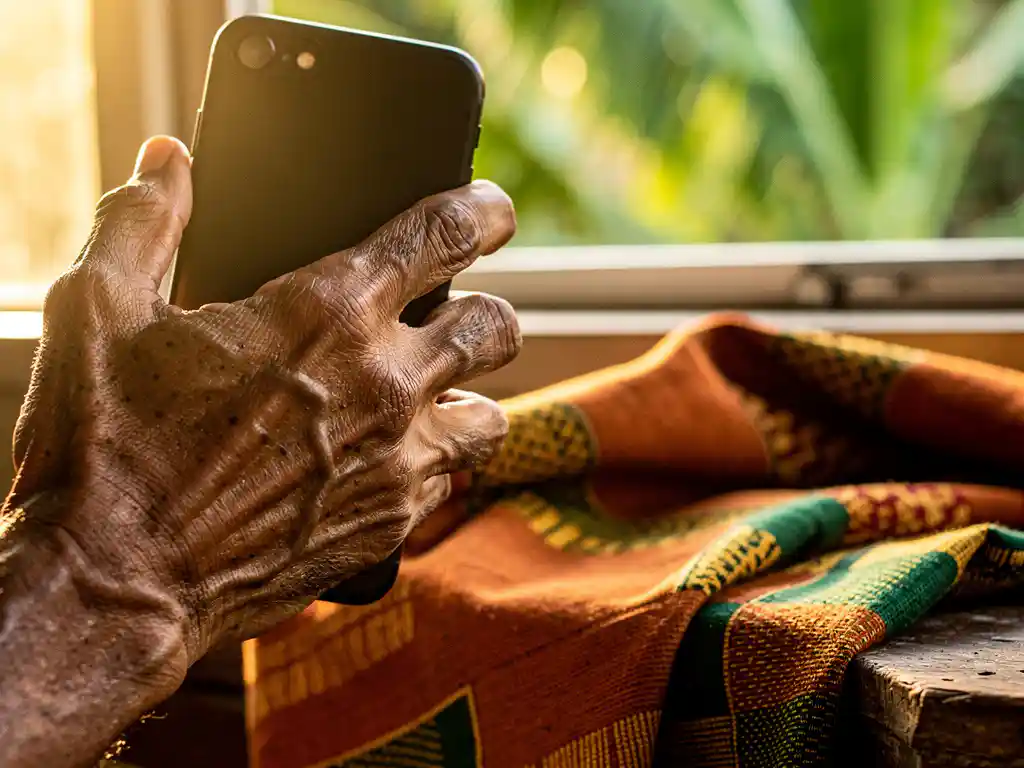
The easiest way to call someone in Ghana is to use a VoIP calling app on your smartphone. You connect through your internet or Wi-Fi connection, dial the person’s regular Ghanaian phone number, and they pick up on their mobile or landline — no app required on their end. Below, we answer the most common questions people have before making that first call.
Can you call Ghana without an international plan?
Yes, you can call Ghana without an international plan. VoIP apps let you make calls over your internet connection instead of your mobile network, which means your phone carrier’s international rates never come into play. You pay only for the app’s call credits, not your phone bill.
Traditional international plans from carriers in Europe can be expensive, and many lock you into monthly subscriptions even if you only call occasionally. VoIP alternatives work differently: you top up a balance and spend it only when you actually call. This makes them a much more flexible option for anyone who calls Ghana regularly but doesn’t want to commit to a fixed monthly cost.
The one thing you do need is a stable internet connection. A good Wi-Fi signal or a 4G mobile data connection is enough to make a clear, uninterrupted call to Ghana.
What is the cheapest way to call Ghana from Europe?
The cheapest way to call Ghana from Europe is through a VoIP calling app that charges per second with no connection fees. Per-second billing means you are never charged for time you didn’t use, and no connection fee means the moment someone picks up is the moment billing starts — nothing more.
To understand what “cheap” actually looks like in practice, think in minutes rather than rates per unit. When comparing apps, ask: how many minutes do I get for €5 or €10? A low rate per second adds up differently depending on whether there are hidden fees, rounding charges, or minimum call durations built in. Always check the full billing model, not just the headline rate.
Calling through apps is consistently more affordable than:
- Using your mobile carrier’s international roaming rates
- Buying a calling card with connection fees deducted before the call starts
- Using general-purpose apps not optimized for African destinations
For diaspora communities calling Ghana from the Netherlands, Germany, Sweden, or elsewhere in Europe, international calling apps designed specifically for African destinations tend to offer the best combination of price and reliability.
Which apps let you call Ghana on a regular phone number?
Several apps let you call Ghana on a regular mobile or landline number, meaning the person in Ghana does not need to install anything or have an internet connection. The most widely used options include dedicated VoIP apps built for diaspora communities, as well as general-purpose apps like WhatsApp (which requires the recipient to also have the app) and Google Voice (which has limited availability in Europe).
The key distinction is between app-to-app calling and app-to-phone calling:
- App-to-app: Both people need the same app and an internet connection. Free, but limits who you can reach.
- App-to-phone: You use the app, they answer on any phone. Requires call credits but reaches anyone in Ghana.
If your family or contacts in Ghana don’t have smartphones or reliable data, app-to-phone calling is the only practical option. Look for apps that specifically list Ghana as a supported destination and show transparent per-minute or per-second rates before you top up.
How do you make sure call quality is good when calling Ghana?
Good call quality when calling Ghana depends on three things: your internet connection, the app’s network infrastructure, and the recipient’s phone signal. You control the first two directly.
On your end, follow these steps to get the best audio quality:
- Use Wi-Fi when possible. A stable home or office Wi-Fi connection is more consistent than mobile data for VoIP calls.
- Close background apps. Streaming, downloads, or other apps using bandwidth can degrade call quality mid-conversation.
- Choose an app with optimized routing. Apps built specifically for calls to African destinations often use servers and routing paths that reduce lag and dropped calls compared to generic VoIP services.
- Call at off-peak times. Network congestion, both locally and in Ghana, can affect quality. Early mornings or late evenings often produce clearer connections.
- Check your microphone and speaker. Sometimes poor audio is a hardware issue, not a network one. Test with a short call first.
The recipient’s experience also matters. If they are in an area with weak mobile coverage in Ghana, there is little you can do on your end to fix that. A brief reconnect or callback often resolves it.
What should you check before choosing a Ghana calling app?
Before choosing an app to call Ghana, check the billing model, supported languages, call destination coverage, and whether the app requires the recipient to install anything. These four factors have the biggest impact on your day-to-day experience.
Here is what to look for specifically:
- Billing transparency: Does the app charge per second or per minute? Are there connection fees? Can you see exactly how many minutes your top-up gives you before you pay?
- Language support: If you or your contacts are more comfortable in a language other than English, check whether the app interface can be used in your language. Being able to navigate the app in your own language makes a real difference.
- No app required on the other end: Confirm that the person in Ghana can receive your call on a regular phone without downloading anything.
- Customer support: If something goes wrong with a call or a top-up, can you reach support easily and in a language you understand?
- Reviews from diaspora users: General app store ratings are useful, but look specifically for reviews from people calling African destinations. Their experience is most relevant to yours.
Taking five minutes to check these points before downloading an app will save you frustration and money in the long run.
How FroggyTalk helps you call Ghana
We built FroggyTalk specifically for people in exactly this situation: living in Europe, wanting to stay connected with family and friends across Africa, and tired of paying too much for unreliable calls. When you call Ghana through FroggyTalk, you use your internet connection to reach any phone number in Ghana — no app needed on the other end.
Here is what makes us different:
- Per-second billing with no hidden fees — you know exactly how many minutes you get before you top up, and not a second is wasted
- No connection charges — billing starts when someone picks up, not when the phone starts ringing
- Full language support — everything in the app can be translated into your local language, so you never have to navigate in a language that isn’t yours
- Built for the African diaspora — our service is designed around the destinations and communities that matter to you, not as an afterthought
- You are heard, seen, and noticed — we exist because your connection to home matters, and we take that seriously
Ready to make your first call? Get in touch with us or explore our international calling guide to get started today.
Frequently Asked Questions
How much data does a VoIP call to Ghana actually use?
A typical VoIP call uses roughly 1–3 MB of data per minute, depending on the app and the audio codec it uses. For a 10-minute call, that is around 10–30 MB — well within the limits of most mobile data plans or home Wi-Fi connections. If you are on a limited data plan, connecting via Wi-Fi before calling is always the safest choice.
What is the international dialing code for Ghana, and how do I format the number?
Ghana’s international dialing code is +233. To call a Ghanaian mobile number from Europe, drop the leading 0 from the local number and add +233 before the remaining digits — for example, a local number like 024 123 4567 becomes +233 24 123 4567. Most VoIP apps accept numbers in this standard international format, so entering it correctly the first time avoids failed call attempts.
Can I call both mobile and landline numbers in Ghana using a VoIP app?
Yes, most VoIP apps that support app-to-phone calling can reach both mobile and landline numbers in Ghana. However, rates may differ slightly between mobile and landline destinations, so it is worth checking the app’s rate sheet for both number types before topping up. Mobile numbers in Ghana typically begin with 02 or 05, while landline numbers are less common but still reachable.
What should I do if my call to Ghana keeps dropping or cutting out?
Start by switching to a Wi-Fi connection if you are on mobile data, or move closer to your router if the Wi-Fi signal is weak. Close any background apps that may be consuming bandwidth, and try restarting the calling app before dialling again. If the problem persists, it may be on the recipient’s end — poor mobile coverage in their area in Ghana is a common culprit, and a simple callback a few minutes later often resolves it.
Is it safe to top up a VoIP calling app with my credit or debit card?
Reputable VoIP apps use encrypted payment gateways — the same technology used by online banks and major e-commerce platforms — so topping up with a card is generally safe. Before entering any payment details, check that the app’s website uses HTTPS and look for recognised payment logos such as Visa, Mastercard, or PayPal. Reading recent user reviews about the top-up and refund process is also a good way to gauge trustworthiness before committing.
Can I use a VoIP calling app to call Ghana while I am travelling outside my home country?
Yes — because VoIP calls run over your internet connection rather than your mobile carrier’s network, you can use the app from virtually anywhere in the world as long as you have Wi-Fi or mobile data. This makes it especially useful when you are travelling and want to avoid international roaming charges on top of already expensive cross-border call rates. Just ensure the app is installed and your balance is topped up before you travel.
Do unused call credits expire, and what happens to my balance if I don't call for a while?
Credit expiry policies vary between apps, so this is an important detail to check before topping up. Some apps expire credits after 30–90 days of inactivity, while others keep your balance valid as long as your account remains active. Look for this information in the app’s terms and conditions or FAQ section, and opt for apps that offer longer validity periods if you only call Ghana occasionally.