


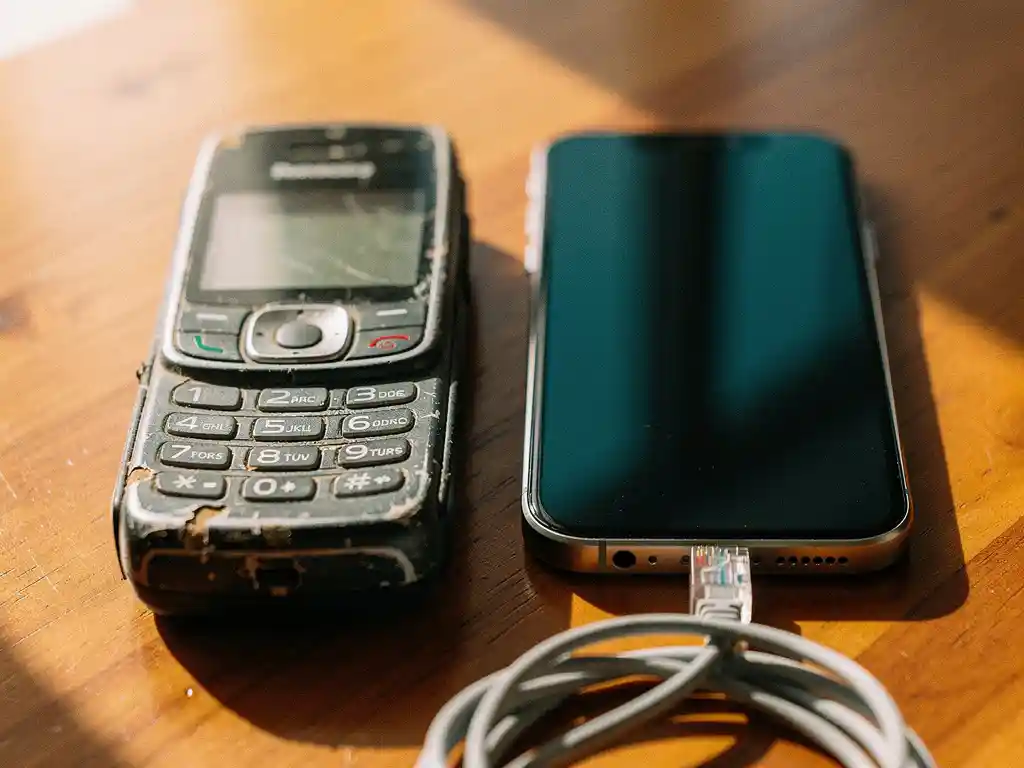
The main difference between calling over the internet and a regular phone call comes down to how your voice travels. Internet calls convert your voice into data packets and send them over a Wi-Fi or mobile data connection, while regular phone calls transmit your voice as an electrical signal through traditional telephone networks. For anyone looking to call Nigeria, call Eritrea, or reach family anywhere across Africa, understanding this difference can save you a significant amount of money every month.
How does an internet call actually work?
An internet call works by converting your voice into small packets of digital data, sending those packets over an internet connection, and reassembling them into sound on the other end. This process is called Voice over Internet Protocol, or VoIP. Instead of using a dedicated phone line, your voice travels the same route as emails, videos, and web pages.
When you speak into your phone, the app compresses your voice into data, breaks it into tiny packets, and sends them through your Wi-Fi or mobile data network to a server. That server routes the packets to the destination, where they are decoded back into the sound of your voice in real time. The entire process happens in fractions of a second, which is why a good internet call feels just as immediate as a regular one.
The quality of the call depends on the strength and stability of your internet connection. A strong Wi-Fi signal or a solid 4G connection is usually more than enough to produce a clear, smooth conversation.
What makes regular phone calls different from internet calls?
Regular phone calls use the Public Switched Telephone Network, or PSTN, a system of physical cables, cell towers, and switching centers that has been built up over more than a century. Your voice is transmitted as an electrical or radio signal directly between two phone numbers, without any need for an internet connection on either side.
The key differences between the two types of calls are:
- Infrastructure: Regular calls rely on dedicated telecom networks; internet calls rely on data networks.
- Cost: Traditional international calls are priced per minute and can be expensive, especially for long-distance routes to Africa.
- Flexibility: Internet calls can be made from any device with a data connection, anywhere in the world.
- Recipient requirements: Regular calls reach any phone number directly; internet calls typically require the caller to have an app, though some services also connect to regular phone numbers.
For diaspora communities making frequent international calls, the cost difference between these two systems is often the most important factor in choosing which to use.
Which type of call has better sound quality?
Internet calls can match or exceed the sound quality of regular phone calls when your connection is stable. Modern VoIP technology uses high-definition audio codecs that capture a wider range of sound than traditional phone networks, which means voices can sound more natural and clearer. However, a poor internet connection will cause audio to break up, lag, or drop out entirely.
Regular phone calls, particularly on landlines, tend to be very consistent in quality because they use a dedicated connection. Mobile network calls can also vary depending on signal strength, but they do not depend on internet speed.
In practice, most users with a decent Wi-Fi or 4G connection find that internet calls sound excellent. For calls to countries like Eritrea, Sudan, Ethiopia, or Nigeria, where local phone network infrastructure may vary, a well-routed internet call often delivers more reliable audio than a traditional international connection.
Are internet calls cheaper than regular phone calls?
Yes, internet calls are almost always significantly cheaper than regular international phone calls, especially for calls to Africa. Traditional international calls are billed through telecom carriers that charge high per-minute rates for long-distance routes. Internet calls route your voice through data networks, which dramatically reduces the cost of connecting two points on opposite sides of the world.
To put this in perspective, consider how many minutes you actually get for your money. With a traditional phone card to call Africa, you might get 10 to 20 minutes for a few euros. With a well-priced internet calling service, that same amount can give you many more minutes of talk time, depending on the destination country.
The savings are especially meaningful for people who call frequently, whether to check in with family, manage a business, or support relatives back home. Transparent, per-second billing, with no hidden fees or connection charges, makes it even easier to know exactly what you are paying for every call.
Do both sides need the internet to use an internet call?
No, only the caller needs an internet connection. This is one of the most important practical advantages of modern internet calling services. The person you are calling can receive the call on any regular mobile or landline phone, exactly as if someone were calling them through the traditional phone network. They do not need a smartphone, an app, or any internet access at all.
This matters enormously for diaspora communities. When you want to call Sudan, call Uganda, call Tanzania, or reach an elderly parent in a rural area, you cannot always expect the person on the other end to have a data connection or a smartphone. A good internet calling service bridges that gap, letting you use affordable data-based technology on your end while your contact simply picks up their phone as normal.
When should you use an internet call instead of a regular call?
You should use an internet call whenever you are making international calls, calling frequently, or trying to keep your phone bill predictable. Internet calls are the clear choice in these situations:
- Calling internationally: Whether you want to call Egypt, call South Sudan, or reach family anywhere across Africa, internet calls are far more cost-effective than traditional international dialing.
- Calling often: If you speak with family or colleagues regularly, the savings from internet calling add up quickly over weeks and months.
- Traveling abroad: Internet calls let you stay connected without paying roaming charges on your regular phone plan.
- When you have Wi-Fi available: A stable Wi-Fi connection makes internet calls free of mobile data costs, bringing the price down even further.
- When you need multilingual support: Some internet calling services offer apps and support in your home language, making the experience far more comfortable than navigating a traditional telecom provider’s system in a foreign language.
Regular calls still make sense for local calls within your country, or in situations where you have no internet connection at all. But for the vast majority of international calling needs, particularly for how to call Africa from the USA or Europe, internet calling is the smarter, more affordable choice.
How FroggyTalk helps you stay connected across borders
We built FroggyTalk specifically for people who need affordable, reliable international calls without the confusion of hidden fees or complicated phone card systems. Whether you want to call Nigeria, call Eritrea, or reach someone in Sudan, Ethiopia, Niger, or beyond, we make it straightforward and cost-effective.
Here is what makes us different:
- Per-second billing with no hidden fees: You pay only for the time you actually talk, so you always know exactly how many minutes your money gets you.
- No app required on the other end: Your family or friends receive your call on their regular phone, no matter where they are.
- Fully translated into your language: Everything in the app can be used in your local language, including Tigrinya, Arabic, Hausa, Amharic, French, and many more, so you never have to navigate a service that does not feel like it was made for you.
- Cultural connection built in: Our Radio Hub lets you listen to FM stations from home, because staying connected is about more than just calls.
We want you to feel heard, seen, and valued, not just connected. If you have questions about how our service works or which plan fits your needs, get in touch with us and we will help you find the best option for your situation.
Frequently Asked Questions
What happens to call quality if my internet connection drops mid-call?
If your internet connection becomes unstable mid-call, you may experience choppy audio, brief silences, or in some cases a dropped call. The best way to avoid this is to start calls on a strong Wi-Fi connection rather than mobile data when possible, and to move closer to your router if signal strength is weak. Some internet calling apps, including FroggyTalk, are optimized to handle brief fluctuations in connection quality without dropping the call entirely.
Can I use an internet calling service like FroggyTalk while I'm roaming abroad?
Yes, and this is actually one of the biggest advantages of internet calling when you’re traveling. As long as you have access to Wi-Fi or a local mobile data connection, you can make calls at the same low rates you’d pay from home, completely avoiding the expensive roaming charges that traditional carriers apply. This makes internet calling especially useful for diaspora travelers who visit family in Africa and still need to stay in touch with contacts elsewhere.
Is it safe to make internet calls, and is my conversation private?
Reputable internet calling services use encryption to protect your voice data as it travels across the network, making it very difficult for third parties to intercept your conversations. As with any digital service, it’s important to use a trusted provider and keep your app updated to benefit from the latest security patches. Always check a provider’s privacy policy to understand how your call data is handled and stored.
How much mobile data does an internet call actually use?
A typical VoIP call uses roughly 0.5 MB to 1.5 MB of data per minute, depending on the audio quality settings and the codec used by the app. This means a 30-minute call to Nigeria or Eritrea would use somewhere between 15 MB and 45 MB of data — a very manageable amount on most mobile data plans. If you’re on a limited data plan, connecting to Wi-Fi before making calls is the easiest way to avoid any data usage concerns entirely.
What should I do if the person I'm calling says they can't hear me clearly?
Start by checking your internet connection — switch to Wi-Fi if you’re on mobile data, or move closer to your router. Also make sure your phone’s microphone isn’t blocked and that no other apps are running heavy background processes that could be consuming bandwidth. If the issue persists, try ending the call and reconnecting, as this forces the app to re-establish a fresh, optimized connection to the server.
Are there any additional fees I should watch out for when choosing an internet calling service?
Some services advertise low per-minute rates but add connection fees, maintenance fees, or charges for topping up your account, which can significantly reduce the actual value you get. When comparing services, look specifically for per-second billing (so you’re never charged for unused time), no connection fees per call, and transparent top-up terms with no expiry tricks. FroggyTalk is built around this kind of straightforward pricing so you always know exactly what your money is worth before you dial.
Can I use an internet calling service if I don't have a smartphone — for example, from a tablet or computer?
Yes, most modern internet calling services, including FroggyTalk, work across multiple devices including tablets and computers, as long as the device has a microphone and an internet connection. This is particularly useful if you’re at home near a computer and want to make a long call without draining your phone battery. Simply download the app or access the service through your device, and the person you’re calling still receives it as a completely normal phone call on their end.