


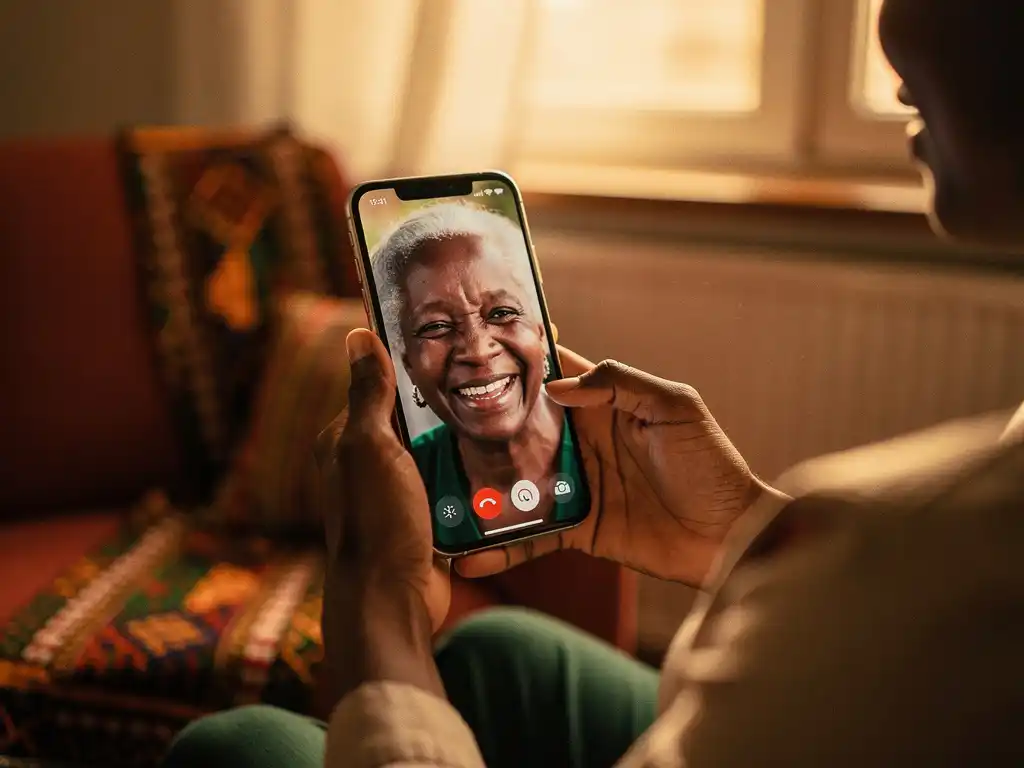
Staying connected with family back home matters deeply, especially when thousands of kilometres stand between you. International calling is not just a convenience for many people living abroad — it is a lifeline to parents, children, siblings, and friends. Whether you are new to living abroad or looking to reduce what you spend on calls each month, this guide walks you through everything you need to know to set up international calling for your family in a way that is simple, affordable, and reliable.
From understanding how modern calling technology works to choosing the right app and keeping your monthly costs down, we cover each step clearly so you can spend less time worrying about bills and more time actually talking to the people you love.
What is international calling, and how does it work today?
International calling is the process of making a phone call from one country to a recipient in another. Today, most affordable international calls travel over the internet using a technology called Voice over Internet Protocol (VoIP), which converts your voice into digital data, sends it across an internet connection, and delivers it as a regular phone call on the other end.
This is a significant shift from how international calls worked even a decade ago. Traditional calls routed through telephone networks (known as the PSTN) were expensive because carriers charged for every minute of international routing. VoIP-based calling removes much of that cost by using your existing internet connection instead. The result is that calling family across continents from Europe can cost a fraction of what it once did — including calls to countries such as Nigeria, Eritrea, or Ethiopia.
One important advantage of modern VoIP calling apps is that the person you call does not need to have the app or an internet connection. The call arrives on their regular mobile or landline phone just like any other call. This makes it practical for reaching family members in areas where smartphone access or data connectivity may be limited.
Why are international calls so expensive for diaspora families?
International calls are expensive primarily because of the fees charged by telecommunications networks to route calls across borders. These costs include interconnection fees between carriers, country-specific termination rates, and, in some cases, additional charges applied by local networks at the destination.
For diaspora families, this cost burden is felt acutely. Calls home are not occasional — they are frequent, often long, and emotionally essential. When a standard mobile carrier charges per minute at premium international rates, the monthly bill for staying in touch with family can become genuinely difficult to manage, particularly for migrants and refugees who are still building financial stability in a new country. For African diaspora communities across Europe, this challenge is especially pronounced, as termination rates for calls to certain African countries are among the highest in the world.
There are also hidden costs that many people do not notice at first. Some providers charge a connection fee every time you start a call, even if the call lasts only a few seconds. Others round up to the nearest minute, meaning a 61-second call costs you two full minutes. These practices make it hard to know what you are actually paying. Transparent, per-second billing removes this uncertainty entirely, so every cent you top up goes toward actual talking time.
What do you need to set up international calling for your family?
Setting up international calling for your family requires just a few basic things. You need a smartphone or tablet, a reliable internet connection (either Wi-Fi or mobile data), an international calling app, and a small amount of credit to get started. No special hardware, SIM card swap, or technical knowledge is required.
Here is a simple checklist of what to prepare before making your first call:
- A smartphone running iOS or Android
- A stable Wi-Fi or mobile data connection
- An international calling app downloaded from the App Store or Google Play
- An account registered with your phone number or email address
- Credit loaded onto your account to cover the call
- The phone number of the person you want to call, including the correct country code
The person you are calling does not need to do anything differently on their end. They will receive your call on their regular phone, just as they would from any other number. This is especially helpful when calling older relatives or people in areas with limited smartphone access.
How do you choose the best international calling app for calling Africa?
The best international calling app for calling Africa offers low per-minute rates to your specific destinations, transparent billing with no hidden fees, good call quality, and support in your language. Not all apps are built with African destinations in mind, so it is worth comparing rates carefully before committing.
Check rates for your specific destinations
Rates vary significantly from country to country. An app that offers cheap calls to Nigeria may charge much more for calls to Eritrea or South Sudan. Always check the rate for the exact country and network you plan to call most. Look for apps that publish their rates clearly rather than burying them in fine print.
Look for per-second billing
Per-second billing means you only pay for the exact duration of your call. If you speak for 3 minutes and 20 seconds, you pay for exactly 3 minutes and 20 seconds. This is fairer than per-minute billing, where a 3-minute-and-1-second call costs the same as a 4-minute call. Over time, per-second billing saves you a meaningful amount of credit.
Consider language support
If English is not your first language, look for an app that allows you to navigate and use all features in your own language. Being able to manage your account, top up credit, and read billing information in Tigrinya, Amharic, Hausa, Arabic, or French makes a real difference, especially when you are new to a country and dealing with many unfamiliar systems at once. Affordable international calling should also feel comfortable and familiar to use.
How do you make your first international call step by step?
Making your first international call through a VoIP app takes less than five minutes once you have the app installed and credit loaded. The process is straightforward and works the same way across most calling apps.
- Download the app from the App Store or Google Play and create your account using your phone number or email address.
- Add credit to your account using your preferred payment method. Most apps accept debit cards, credit cards, and sometimes local payment options.
- Open the dialler inside the app. This looks similar to your regular phone dialler.
- Enter the full international number, starting with the country code. For Nigeria, that is +234. For Ethiopia, it is +251. For Eritrea, it is +291.
- Press call. The app will connect your call over the internet and deliver it to the recipient’s phone as a normal incoming call.
- Check your remaining balance after the call so you know when to top up next.
If the call quality is poor, switching from mobile data to Wi-Fi (or vice versa) usually resolves the issue. A stable connection with at least a basic broadband speed is sufficient for clear voice calls.
How can you keep international calling costs low every month?
You can keep international calling costs low by choosing an app with competitive rates for your destinations, taking advantage of weekly deals and promotions, using Wi-Fi instead of mobile data where possible, and monitoring your usage so you top up only what you need.
One of the most effective ways to stretch your calling budget is to look out for weekly calling deals. Some providers offer discounted rates on specific days of the week for particular destinations, giving you significantly more calling minutes for the same amount of money. For example, calls to Nigeria at a rate of €0.08 per minute give you around 2 hours of talk time for just €10 — a meaningful amount of family time for a modest cost. Calls to Sudan on a Friday deal at €0.26 per minute give you around 38 minutes for €10, while Sunday deals for Ethiopia and Eritrea at €0.17 per minute give you roughly 59 and 58 minutes, respectively, for the same amount.
A few practical habits also help reduce costs over time:
- Schedule longer calls on deal days to make the most of lower rates
- Use Wi-Fi for calls to avoid using your mobile data allowance
- Check your balance before long calls so you do not get cut off mid-conversation
- Compare rates across your most-called destinations and plan accordingly
Keeping an eye on your per-minute rate and choosing apps with no connection fees ensures that every euro, pound, or dollar you add to your account goes directly toward time spent talking — not toward charges you did not expect.
How FroggyTalk helps with international calling
We built FroggyTalk specifically for African diaspora communities in Europe who want to stay close to family back home without being overwhelmed by costs or complexity. Our goal is simple: we want you to feel heard, seen, and valued — and that starts with making it easy and affordable to hear the voices of the people who matter most to you.
Here is what makes our international calling service different:
- Transparent per-second billing with no hidden fees or connection charges
- Weekly calling deals for destinations including Nigeria, Eritrea, Ethiopia, Sudan, South Sudan, Liberia, Sierra Leone, and Zimbabwe
- No app or internet required on the recipient’s end — calls arrive on any regular phone
- Full app translation into your local language, including Tigrinya, Amharic, Hausa, Arabic, French, and more — everything in the app can be used in the language you are most comfortable with
- Support for multiple currencies including EUR, GBP, USD, SEK, AUD, CAD, CHF, and ZAR
We are more than a calling app. We are building a digital home for Africans abroad — a place where practical support, cultural connection, and community come together. Ready to get started? Check our latest calling rates or get in touch with our team if you have any questions. We are here for you.