


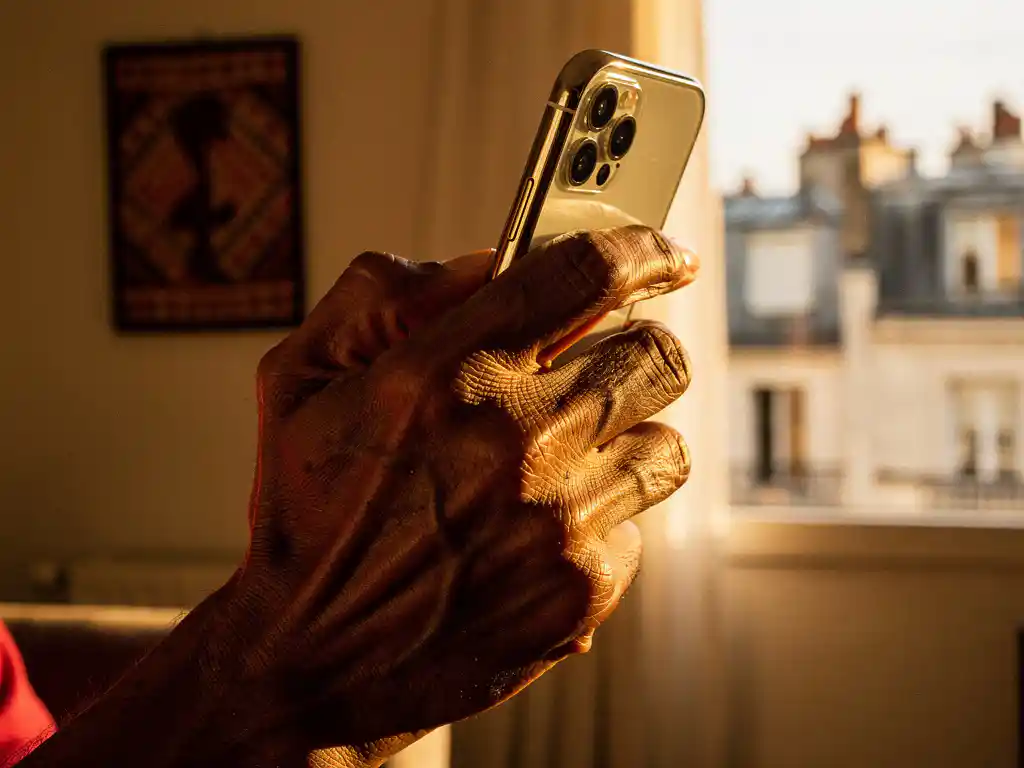
Staying connected with family and friends back home in Africa is one of the most important things you can do as part of the diaspora. Whether you’re calling a parent in Lagos, a sibling in Addis Ababa, or a friend in Khartoum, knowing how to make an affordable, reliable call to Africa from Europe can save you a lot of money and frustration. This guide answers the most common questions people ask before picking up the phone.
From understanding billing models to troubleshooting poor call quality, here is everything you need to know to stay connected without overpaying.
What is the cheapest way to call Africa from Europe?
The cheapest way to call Africa from Europe is to use an internet-based calling app with per-second billing and no connection fees. Traditional phone carriers and calling cards often charge high rates plus hidden fees that eat into your credit before you even say hello. Internet calling apps eliminate most of those extra costs.
When comparing options, focus on these key factors:
- Rate per minute — lower is better, and rates vary significantly by destination
- Billing model — per-second billing means you only pay for what you actually use
- Connection fees — some providers charge a fee just for connecting the call, even if no one answers
- Weekly deals — some apps offer promotional rates on specific days that can stretch your credit much further
- App language support — a service you can actually navigate in your own language saves time and money
For example, calls to Nigeria can be as low as €0.08 per minute, giving you around 2 hours of talk time for just €10. Calls to Ethiopia or Eritrea run around €0.17 per minute, giving you close to an hour of conversation for the same amount. Comparing those figures with what your current provider charges is a quick way to see how much you could save.
How does calling Africa over the internet work?
Calling Africa over the internet works through a technology called Voice over Internet Protocol, or VoIP. Instead of routing your voice through traditional telephone networks, VoIP converts your voice into digital data packets and sends them over your internet connection. The person you are calling receives the call on their regular mobile or landline phone, so they do not need an app or an internet connection themselves.
This is what makes internet calling so practical for reaching family in Africa. Your mother in Khartoum does not need a smartphone or a data plan. She just picks up her phone when it rings, exactly as she always has.
The quality of a VoIP call depends primarily on the strength and stability of your internet connection on your end. A solid Wi-Fi connection or a strong 4G signal will give you clear, consistent audio. The call travels from your app to the provider’s servers, which then connect to the local telephone network in the destination country to complete the call.
Which African countries can I call with a calling app?
Most quality calling apps cover a broad range of African destinations, including Nigeria, Ethiopia, Eritrea, Sudan, South Sudan, Liberia, Sierra Leone, Zimbabwe, and many more. Coverage varies between providers, so it is worth checking whether your specific destination is supported before signing up.
Here is a quick overview of weekly deal destinations and their rates, to give you a sense of what good coverage looks like:
- Nigeria — €0.08 per minute (Saturday deal), giving you 2 hours for €10
- Ethiopia — €0.17 per minute (Sunday deal), giving you around 59 minutes for €10
- Eritrea — €0.17 per minute (Sunday deal), giving you around 58 minutes for €10
- Sudan — €0.26 per minute (Friday deal), giving you around 38 minutes for €10
- South Sudan — €0.35 per minute (Saturday deal), giving you around 28 minutes for €10
- Liberia — €0.29 per minute (Saturday deal), giving you around 34 minutes for €10
- Sierra Leone — €0.29 per minute (Saturday deal), giving you around 34 minutes for €10
- Zimbabwe — €0.35 per minute (Saturday deal), giving you around 28 minutes for the equivalent amount
Beyond the destinations listed above, many apps also cover Niger, Kenya, Ghana, Cameroon, and other countries across the continent. Always check the full list of call rates and destinations before topping up your credit.
What’s the difference between per-second and per-minute billing for Africa calls?
Per-second billing charges you only for the exact duration of your call, down to the last second. Per-minute billing rounds up to the nearest full minute, meaning a 61-second call costs the same as a 2-minute call. For frequent callers, this difference adds up to a meaningful amount over time.
Imagine you make ten short calls of around 90 seconds each. With per-minute billing, each call rounds up to 2 minutes, so you pay for 20 minutes total. With per-second billing, you pay for exactly 15 minutes of actual talk time. That is a 25% difference in cost for the exact same conversations.
Per-second billing is especially valuable when you are making quick check-in calls, leaving short voice messages, or when calls get cut off early. With per-minute billing, those interrupted calls still cost you a full minute. With per-second billing, you only pay for the seconds you actually spoke.
When evaluating any calling service, look specifically for the phrase “per-second billing” and confirm there are no connection fees charged before the call even begins. Transparent pricing with no hidden charges is the clearest sign that a provider is working in your interest.
Why do calls to Africa often drop or sound unclear?
Calls to Africa may drop or sound unclear due to a combination of factors on both ends of the connection. The most common causes are a weak internet connection on your side, network congestion in the destination country, or poor infrastructure in the local telephone network receiving the call.
Issues on your end
Your internet connection is the foundation of any VoIP call. If your Wi-Fi signal is weak or your mobile data is switching between towers, your call quality will suffer. Moving closer to your router, switching from mobile data to Wi-Fi, or simply stepping outside to get a stronger signal can make a noticeable difference.
Issues on the destination side
Mobile network coverage in some parts of Africa can be inconsistent, particularly in rural areas or during peak usage hours. This is largely outside your control, but calling at different times of day can sometimes help. Early mornings, local time, often have less network congestion than evenings.
What you can do
A few practical steps can significantly reduce dropped calls. Make sure your app is up to date, close other apps that might be using your internet bandwidth during the call, and avoid making important calls while traveling on public transport, where your signal fluctuates constantly. Choosing a provider with strong server infrastructure also matters, as the quality of the route between your app and the destination network plays a real role in call reliability.
How do I make my first international call to Africa?
Making your first international call to Africa through a calling app takes just a few minutes to set up. Download the app, create an account, add credit, and dial the number using the full international format. The recipient’s phone rings just like any normal call, and they do not need to do anything differently on their end.
Here is the process step by step:
- Download the app — find it in the App Store or Google Play and install it on your phone
- Create your account — register with your phone number or email address
- Set your language — choose your preferred language so the app feels comfortable to use; everything in the app can be translated into your local language
- Add credit — top up using your preferred currency, whether that is euros, pounds, Swedish kronor, or another supported option
- Dial with the country code — for Nigeria, start with +234; for Ethiopia, +251; for Eritrea, +291; for Sudan, +249
- Make the call — press dial and wait for the connection; the person on the other end simply receives a regular phone call
If you are unsure about the correct country code or want to check the rate before calling, look up the destination in the app’s rate finder before dialing. This way, you know exactly how many minutes your current credit balance will give you before the conversation starts.
How FroggyTalk helps you stay connected with Africa
We built FroggyTalk specifically for African diaspora communities in Europe because we know how much those calls home mean. We want everyone who uses our app to feel heard, seen, and valued—whether you are calling family in Nigeria, checking in with a friend in Eritrea, or reaching a relative in Sudan.
Here is what we offer to make your calls to Africa easier and more affordable:
- Competitive per-minute rates with no hidden fees and no connection charges
- Per-second billing so you only pay for the time you actually talk
- Weekly deals on popular destinations including Nigeria, Ethiopia, Eritrea, Sudan, and more
- Support in multiple languages including Tigrinya, Arabic, Hausa, Amharic, French, and more
- The entire app can be used in your local language, so nothing gets lost in translation
- No app or internet is required on the recipient’s side; they just pick up their phone
Ready to make your first call? Download the FroggyTalk app and start connecting today, or reach out to us if you have any questions before getting started.