


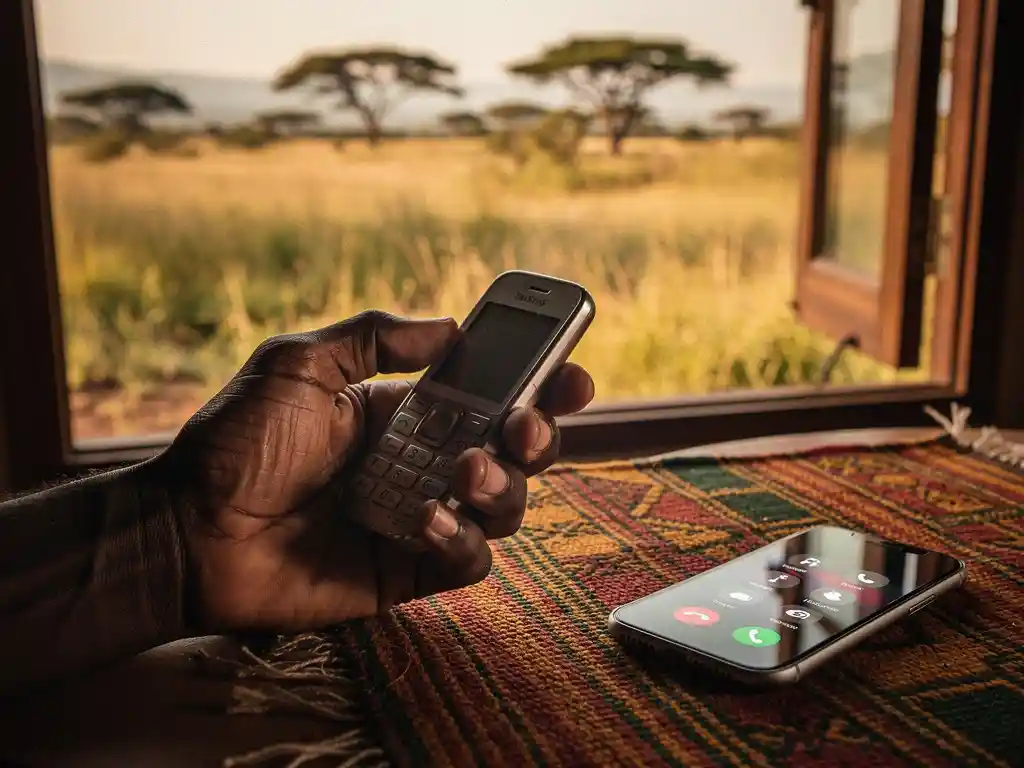
Yes, you can call Tanzania using a calling app without a mobile data plan, as long as you have access to Wi-Fi. Calling apps route your voice over the internet, so any active internet connection works, whether that is mobile data or a Wi-Fi network. Below, we answer the most common questions about calling Tanzania from Europe so you know exactly what to expect.
Do calling apps work without a data plan?
Calling apps work without a mobile data plan as long as you are connected to Wi-Fi. These apps route your voice through the internet rather than through traditional telephone networks, so the source of your internet connection does not matter. A home broadband connection, a library Wi-Fi network, or a coffee shop hotspot all work just as well as mobile data.
The key distinction is between mobile data and internet access. A calling app needs internet access, not specifically a SIM-based data plan. So if your mobile data is turned off or you are using a SIM without a data package, you can still make calls the moment you connect to a Wi-Fi network.
Keep in mind that call quality depends on the strength and stability of your connection. A slow or congested Wi-Fi network can cause dropped audio or delays, while a strong broadband connection typically delivers clear, reliable voice quality.
What does the recipient in Tanzania need to receive your call?
The recipient in Tanzania does not need anything special to receive your call. When you use a calling app that connects to regular phone numbers, your call arrives on the recipient’s standard mobile or landline phone just like any other incoming call. They do not need the app, a smartphone, or an internet connection.
This is what makes app-based international calling practical for reaching family and friends in Tanzania. Many people back home may not have a smartphone or a reliable data connection, but they almost certainly have a basic mobile phone that can receive calls. You handle the internet side from Europe, and they simply pick up.
How much does it cost to call Tanzania with a calling app?
The cost of calling Tanzania with a calling app varies by provider, but it is almost always significantly cheaper than calling through a traditional mobile operator or using a physical phone card. Most calling apps charge per minute or per second, and rates to Tanzania typically sit in the range of a few cents per minute, making long conversations genuinely affordable.
When comparing costs, a few things are worth checking:
- Per-second vs per-minute billing: Per-second billing means you only pay for the exact time you spend on the call, with no rounding up to the nearest minute.
- Connection fees: Some providers charge a small fee just for connecting the call, before you have said a single word. Look for apps that charge no connection fee.
- Hidden charges: Always check whether the advertised rate is the full rate or whether taxes, service fees, or maintenance charges are added on top.
- Minutes per euro: Think in terms of how many minutes you get for your money. For example, at 3 cents per minute, one euro gives you roughly 33 minutes of talk time.
Transparent, per-second billing with no hidden fees is the most cost-effective model for regular callers, especially if you make frequent, shorter calls to check in with family.
Can you call Tanzania over Wi-Fi instead of using mobile data?
Yes, calling Tanzania over Wi-Fi is not only possible but is often the preferred option for diaspora communities in Europe. Wi-Fi calling through an internet-based app works exactly the same way as calling over mobile data. The app converts your voice into data packets and sends them over whatever internet connection is available, including your home broadband.
Wi-Fi calling is particularly useful in situations where:
- You have a limited or expensive mobile data plan and want to avoid using it for long international calls.
- You are at home, at work, or in a location with a strong and stable broadband connection.
- You are traveling within Europe and want to avoid roaming charges on your data.
- Your mobile signal is weak indoors but your Wi-Fi connection is strong.
The practical advice is simple: connect to the best available Wi-Fi network before you call, and you will get the clearest, most reliable connection for your international call to Tanzania.
Which calling app is best for reaching Tanzania from Europe?
The best calling app for reaching Tanzania from Europe is one that combines low per-second rates, no hidden fees, reliable call quality, and support in your preferred language. For African diaspora communities specifically, an app built with your needs in mind makes a meaningful difference compared to generic international calling services.
When evaluating any calling app for calls to Tanzania or other African countries, look for these qualities:
- Calls connect to regular phone numbers, so the recipient needs no app or internet.
- Billing is per second with no connection charges.
- The app interface is available in your language, whether that is Swahili, Arabic, French, or another language you are comfortable with.
- Customer support is accessible and understands the specific needs of diaspora callers.
- The service covers a wide range of African destinations beyond Tanzania, such as calls to Nigeria, calls to Uganda, calls to Sudan, or calls to Ethiopia.
You can also check our international calling guide for a practical overview of rates and how to get started from the Netherlands.
How FroggyTalk helps you stay connected with Tanzania
We built FroggyTalk specifically for people in your situation: living in Europe, wanting to stay close to family and friends across Africa, and tired of paying too much for calls that sometimes drop or sound terrible. Our goal is simple: we want you to feel heard, seen, and noticed, and that starts with making sure you can actually reach the people who matter to you.
Here is what we offer for calling Tanzania and beyond:
- Wi-Fi and data calling: Call from any internet connection, no mobile data plan required.
- No app needed on the other end: Your family in Tanzania receives the call on their regular phone.
- Per-second billing, no hidden fees: You pay only for the seconds you actually talk.
- Multilingual app interface: Everything in the app can be translated into your local language, including Swahili, Hausa, Arabic, Amharic, Tigrinya, French, and more.
- Coverage across Africa: Beyond Tanzania, we connect you to Nigeria, Eritrea, Sudan, Uganda, Egypt, South Sudan, and many other destinations.
Ready to make your first call or want to know more about our rates? Get in touch with us and we will help you get started.
Frequently Asked Questions
How do I get started with FroggyTalk to call Tanzania for the first time?
Getting started is straightforward: download the FroggyTalk app, create an account, and top up your balance with a small amount to begin. Once set up, simply enter the Tanzanian phone number you want to reach — including the country code (+255) — and tap call. No configuration is needed on the recipient’s end, and your first call can be up and running within minutes.
What is the correct way to dial a Tanzanian number from Europe using a calling app?
When calling Tanzania from Europe using a calling app, you need to enter the full international format: start with Tanzania’s country code, which is +255, followed by the recipient’s local number without the leading zero. For example, if the local number is 0712 345 678, you would dial +255 712 345 678. Most calling apps accept this format directly in the dial pad.
What should I do if my call to Tanzania keeps dropping or the audio quality is poor?
Poor call quality is almost always related to your internet connection rather than the app itself. First, try moving closer to your Wi-Fi router or switching from mobile data to a stronger Wi-Fi network. If the problem persists, restart the app, check that no other devices are heavily using your bandwidth, and avoid calling during peak congestion hours. A stable connection of at least 1 Mbps upload speed is generally sufficient for clear voice calls.
Is it safe to use public Wi-Fi hotspots to make calls to Tanzania?
Using public Wi-Fi for calls is generally fine for voice quality purposes, but it is worth being mindful of security on open networks. Reputable calling apps encrypt your voice data in transit, which protects the content of your conversation. However, for sensitive discussions, a private home or work Wi-Fi network is always the safer and more stable choice. Avoid entering payment details or topping up your balance while connected to an unsecured public hotspot.
Can I use a calling app to reach Tanzanian landlines, or only mobile numbers?
Yes, most calling apps, including FroggyTalk, can connect calls to both Tanzanian mobile numbers and landlines. Tanzanian mobile numbers typically begin with 07 or 06 locally, while landlines use regional area codes. When dialing, simply use the correct international format (+255 followed by the full number), and the app will route the call to whichever type of phone the recipient has.
What happens to my remaining balance if I stop using the app for a while?
Balance expiry policies vary between calling app providers, so it is important to check the terms before topping up. Some services expire unused credit after a set period of inactivity, while others allow your balance to roll over indefinitely. When choosing an app for regular calls to Tanzania, look for a provider with a transparent and fair balance policy — ideally one where your credit does not expire as long as your account remains active.
Are there any common mistakes to avoid when switching from traditional phone cards to a calling app?
The most common mistake is not accounting for connection fees or per-minute rounding that some apps carry over from the phone card model — always verify that billing is truly per second with no connection charge. Another pitfall is forgetting to top up before a call, which can cut a conversation short; keeping a small standing balance avoids this. Finally, make sure you have a reliable internet connection ready before you call, rather than discovering mid-conversation that your Wi-Fi signal is weak.
Related Articles
- What is the difference between a bank transfer and a money transfer app for Tanzania?
- How do you send money to Eritrea if you are a refugee in Europe?
- Can you call to Uganda with no hidden fees or connection charges?
- What is the difference between a bank transfer and an online international money transfer?
- Can international calling apps work without internet?