


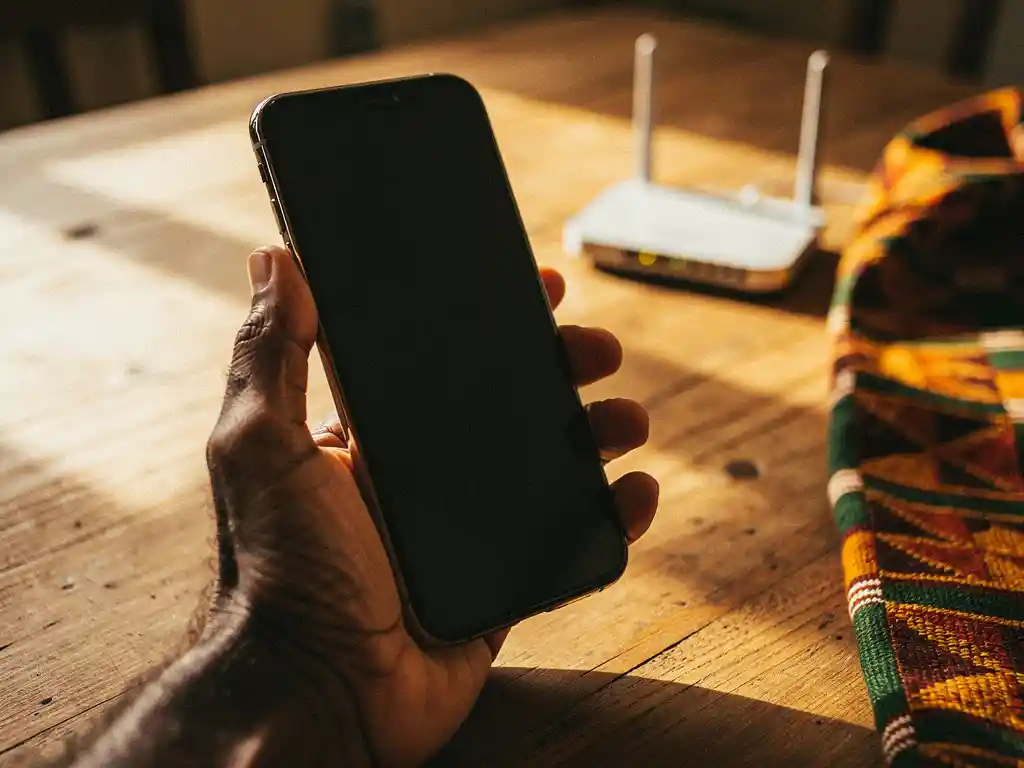
Yes, you can call Africa using only a Wi-Fi connection. Apps like FroggyTalk route your voice over the internet, so you can make real phone calls to mobile and landline numbers across Africa without a SIM card, a roaming plan, or a cellular signal. All you need is a stable internet connection and the app installed on your phone.
This works for calls to Nigeria, Eritrea, Sudan, Ethiopia, Egypt, Uganda, Tanzania, South Sudan, and many more countries. The person you’re calling does not need to do anything differently — they simply pick up their phone as usual.
Below, we answer the most common questions people have about making Wi-Fi calls to Africa, from costs and call quality to what equipment you actually need.
Does the person you’re calling need internet too?
No, the person you’re calling does not need internet, a smartphone, or any app. When you make a call to Africa over Wi-Fi using an internet calling app, your voice travels over the internet on your end and then connects to the regular phone network in the destination country. The recipient simply receives it as a normal incoming call on their mobile or landline.
This is one of the biggest advantages of modern internet calling over older solutions like Skype-to-Skype calls, which required both sides to be online at the same time. With Wi-Fi calling apps designed for diaspora communities, you can reach family members in rural Nigeria, Eritrea, or Sudan who may have a basic mobile phone but no data plan or smartphone.
The technical term for this is VoIP-to-PSTN calling, meaning your voice starts as internet data and exits onto the traditional phone network at the other end. From the recipient’s perspective, it looks and sounds like any other phone call.
What’s the difference between Wi-Fi calling and regular international calls?
The key difference is how your voice travels. With regular international calls, your voice travels entirely over telephone networks, often crossing multiple carriers and international gateways, which drives up the cost. With Wi-Fi calling, your voice travels over the internet for most of the journey, only connecting to the phone network at the very end, which makes it significantly cheaper.
Here is a side-by-side comparison of the two approaches:
- Regular international calls: Routed through telecom carriers, high per-minute rates, often billed in full-minute increments, connection fees may apply
- Wi-Fi calling via app: Routed over the internet, low per-second rates, no connection fees, no SIM or roaming plan required
- Phone cards: Prepaid credit that still routes calls through traditional networks, often with hidden fees that eat into your minutes
- Wi-Fi calling via carrier (built into your phone settings): Uses your existing mobile plan, subject to your carrier’s international rates, may not cover all African countries
For diaspora communities making frequent calls to Africa, the savings from internet-based calling can be substantial. Billing by the second rather than by the minute means you only pay for the time you actually use, and no hidden connection charges means the rate you see is the rate you pay.
Which African countries can you call over Wi-Fi?
You can call virtually any country in Africa over Wi-Fi using an internet calling app, as long as the app supports that destination. Coverage typically includes major destinations such as Nigeria, Eritrea, Sudan, South Sudan, Ethiopia, Egypt, Uganda, Tanzania, Niger, and Kenya, among many others.
The availability of specific destinations and the quality of those calls depend on the app you use. Apps built specifically for African diaspora communities tend to offer better coverage and lower rates for African destinations than general-purpose VoIP providers, because they have established direct routes to local networks in those countries.
If you regularly make a call to Nigeria, a call to Eritrea, a call to Sudan, or a call to Uganda, it is worth checking that your chosen app lists those countries explicitly and publishes transparent per-minute or per-second rates for each destination. Some providers offer strong rates for West Africa but weaker coverage for East African or Horn of Africa destinations.
How much does it cost to call Africa using Wi-Fi?
The cost of calling Africa over Wi-Fi varies by destination and provider, but it is consistently cheaper than traditional international calls or phone cards. Rates are typically measured in cents per minute, and the best apps bill by the second so you are never charged for unused time.
When comparing costs, watch out for these common hidden charges that can reduce how many minutes you actually get:
- Connection fees: A flat charge applied every time you make a call, regardless of duration
- Per-minute rounding: Being charged for a full minute even if your call lasts only 10 seconds
- Maintenance fees: Monthly deductions from your prepaid balance even when you are not calling
- Currency conversion markups: Extra charges added when topping up in a different currency
The honest way to evaluate a calling service is to look at the total number of minutes you get for a fixed amount of money after all fees are applied. A lower headline rate with a connection fee can end up costing more per conversation than a slightly higher rate with no fees at all, especially for shorter calls.
What do you need to make Wi-Fi calls to Africa?
Making Wi-Fi calls to Africa requires very little setup. The essentials are a smartphone or tablet, a reliable internet connection, and an app that supports calling to African phone numbers. You do not need a local SIM card, a calling plan, or any special hardware.
Here is a step-by-step overview of how to get started:
- Download a calling app that supports your destination country in Africa and offers transparent pricing
- Create an account using your email address or phone number
- Set your preferred language in the app settings so everything is displayed in your local language
- Top up your balance with the amount you want to spend
- Dial the number you want to reach, including the country code (for example, +234 for Nigeria or +291 for Eritrea)
- Connect to Wi-Fi or mobile data before calling for the best call quality
A connection speed of at least 1 Mbps upload is generally sufficient for a clear voice call. Most home broadband and 4G mobile connections comfortably exceed this. If you are in a location with weak signal, connecting to Wi-Fi before calling will give you a more stable experience.
Why do calls to Africa drop or sound unclear over Wi-Fi?
Dropped calls and poor audio quality over Wi-Fi are almost always caused by one of three things: a weak or unstable internet connection on your end, network congestion between your location and the destination country, or poor infrastructure on the receiving end. Understanding which factor is causing the problem helps you fix it.
Connection issues on your end
If your Wi-Fi signal is weak or your mobile data connection is fluctuating, your voice packets can get lost before they even reach the destination network. Moving closer to your router, switching from 2.4 GHz to 5 GHz Wi-Fi, or switching to mobile data can all improve stability. Closing background apps that are using bandwidth during the call also helps.
Network routing and destination infrastructure
Even with a perfect connection on your side, calls can degrade if the routing between your app’s servers and the local network in the destination country is poor. This is particularly relevant for calls to countries like South Sudan, Sudan, or parts of rural Nigeria and Eritrea, where local network infrastructure can be inconsistent. Providers that have direct routing agreements with local carriers in those countries tend to deliver better quality than those routing through multiple intermediary networks.
If you consistently experience poor quality calling a specific country, switching to an app that specializes in that destination is often the most effective solution.
How FroggyTalk helps you stay connected with Africa
We built FroggyTalk specifically for African diaspora communities in Europe, because we know that staying connected to family back home is not optional. It is essential. Our international calling service lets you call mobile and landline numbers across Africa directly from your phone, with no app required on the other end.
Here is what makes FroggyTalk different:
- Per-second billing with no hidden fees: You pay only for the seconds you use, and the rate you see is the rate you pay. No connection charges, no maintenance fees.
- Coverage across Africa: Make a call to Nigeria, a call to Eritrea, a call to Sudan, a call to South Sudan, a call to Egypt, a call to Uganda, a call to Tanzania, and more.
- Full app translation into your language: Everything in the app can be displayed in your preferred language, including Tigrinya, Hausa, Amharic, Arabic, French, and more. You should never feel lost in an app that is supposed to help you.
- Transparent minute calculations: When you top up, you can see exactly how many minutes you get for your money before you commit.
- Designed for diaspora communities: We want you to feel heard, seen, and noticed. FroggyTalk is not a generic calling app. It was built for your community, with your needs at the center.
You can get started in minutes. Download the app, set your language, top up, and call. If you have questions or need help getting set up, reach out to our team and we will guide you through it.
Frequently Asked Questions
Can I use FroggyTalk or other Wi-Fi calling apps while traveling in Africa?
Yes, you can use a Wi-Fi calling app while traveling in Africa, as long as you have access to a Wi-Fi connection or a local data SIM. This is especially useful if you want to call numbers in other African countries without paying roaming charges. Just connect to your hotel or accommodation’s Wi-Fi and call as you normally would from home.
What happens if my internet cuts out in the middle of a call?
If your internet connection drops mid-call, the call will typically disconnect. To minimize this risk, always prefer a stable Wi-Fi connection over a weak mobile data signal before making important calls. If a call does drop, your unused balance is preserved and you can simply redial — with per-second billing, you won’t be charged for time you didn’t use.
Is it safe to top up a calling app with my credit or debit card?
Reputable calling apps use standard payment processors and encrypted connections to handle top-ups, making it safe to use your credit or debit card. Look for apps that display secure checkout indicators and avoid storing your card details if you prefer not to. If you’re unsure, many apps also accept top-ups via PayPal or other third-party payment methods as an alternative.
Can I call African numbers from a tablet or iPad, not just a smartphone?
Yes, most Wi-Fi calling apps work on tablets and iPads as well as smartphones, since the call is routed over the internet rather than through a cellular network. Simply download the app from the App Store or Google Play, create your account, and top up as you would on a phone. This is a great option if your tablet is your primary device or if you want to make calls from a larger screen.
Do I lose my prepaid balance if I don't use it for a while?
This depends entirely on the app’s terms and conditions. Some providers deduct monthly maintenance fees from your balance even when you’re not actively calling, which can quietly drain your credit over time. Before topping up, check whether the app has an expiry policy or inactivity fees — a trustworthy provider will make this information easy to find and will never deduct hidden charges from your balance.
What's the best way to ensure good call quality when calling rural areas in Africa?
The most important step on your end is ensuring a strong, stable internet connection before you call — a wired or 5 GHz Wi-Fi connection is ideal. Beyond that, call quality to rural areas also depends on the local network infrastructure at the destination, which is largely outside your control. Choosing an app that has direct routing agreements with carriers in your destination country — rather than routing through multiple intermediary networks — makes the biggest difference for calls to rural Nigeria, Eritrea, South Sudan, or similar destinations.
Can I use a Wi-Fi calling app to receive calls from Africa, or is it only for outgoing calls?
Most diaspora-focused Wi-Fi calling apps are primarily designed for making outgoing calls to African numbers, not for receiving inbound calls. If you need two-way reachability, some apps offer an optional virtual phone number that people in Africa can dial to reach you. Check whether your chosen app offers this feature if receiving calls is important to you, as it is not universally available across all providers.